SoccerBot360
SoccerBot360
All release notes

Update 2026.2

Installed on all SoccerBots

The 2026.2 quarterly update is here: Mini Goals gets a fresh look, Field Mastery moves into the stadium, and the new Playlist feature runs complete sessions fully automatically — plus many improvements for everyday training.

ImprovedTrain & Entertain

Mini Goals — reworked graphics

Mini Goals gets completely reworked graphics. The turf is new and far more detailed, the mini goals all around the 360° pitch have been remodeled from scratch — and the nets now have physics of their own, visibly rippling when the ball strikes. Together with the stadium backdrop of boards and packed stands, every goal feels even more satisfying.
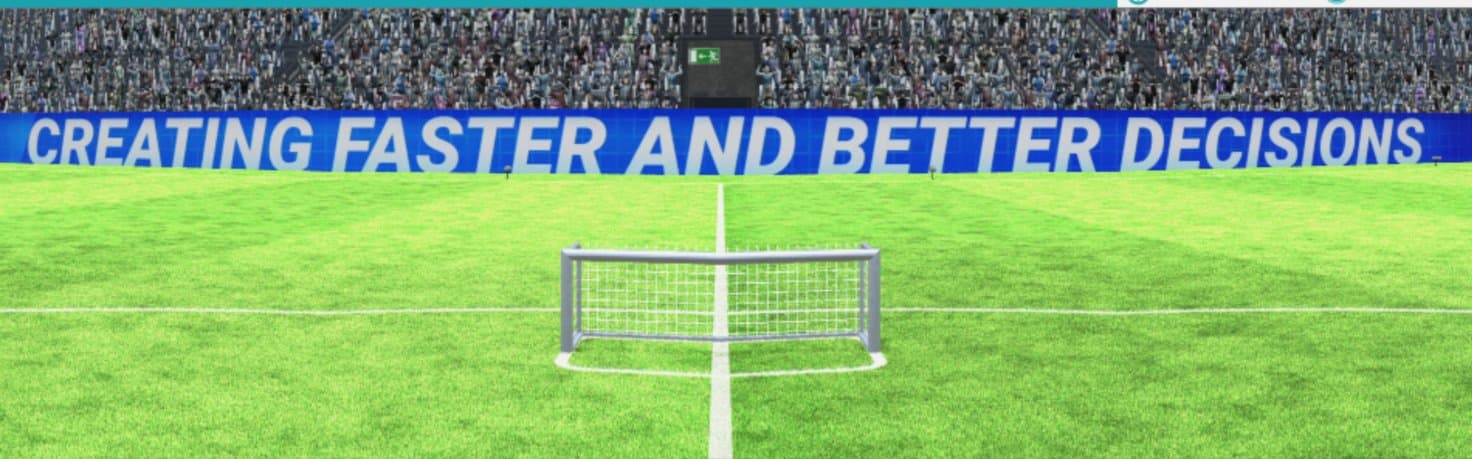
Mini Goals — reworked graphics
NewProfessional

Field Mastery — welcome to the stadium

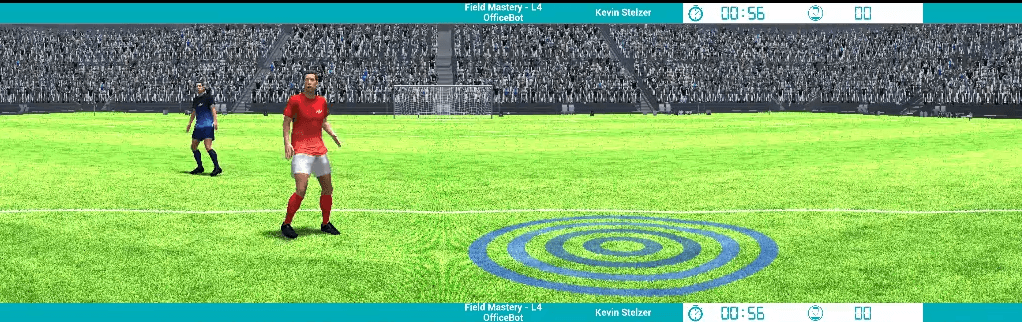
Field Mastery is moving from the training ground into the stadium. The three existing levels are joined by a new complex level that demands every skill — dribbling, first touch and ball control, passing accuracy, reaction and pre-orientation. New scoring included.

Field Mastery — welcome to the stadium
NewTablet

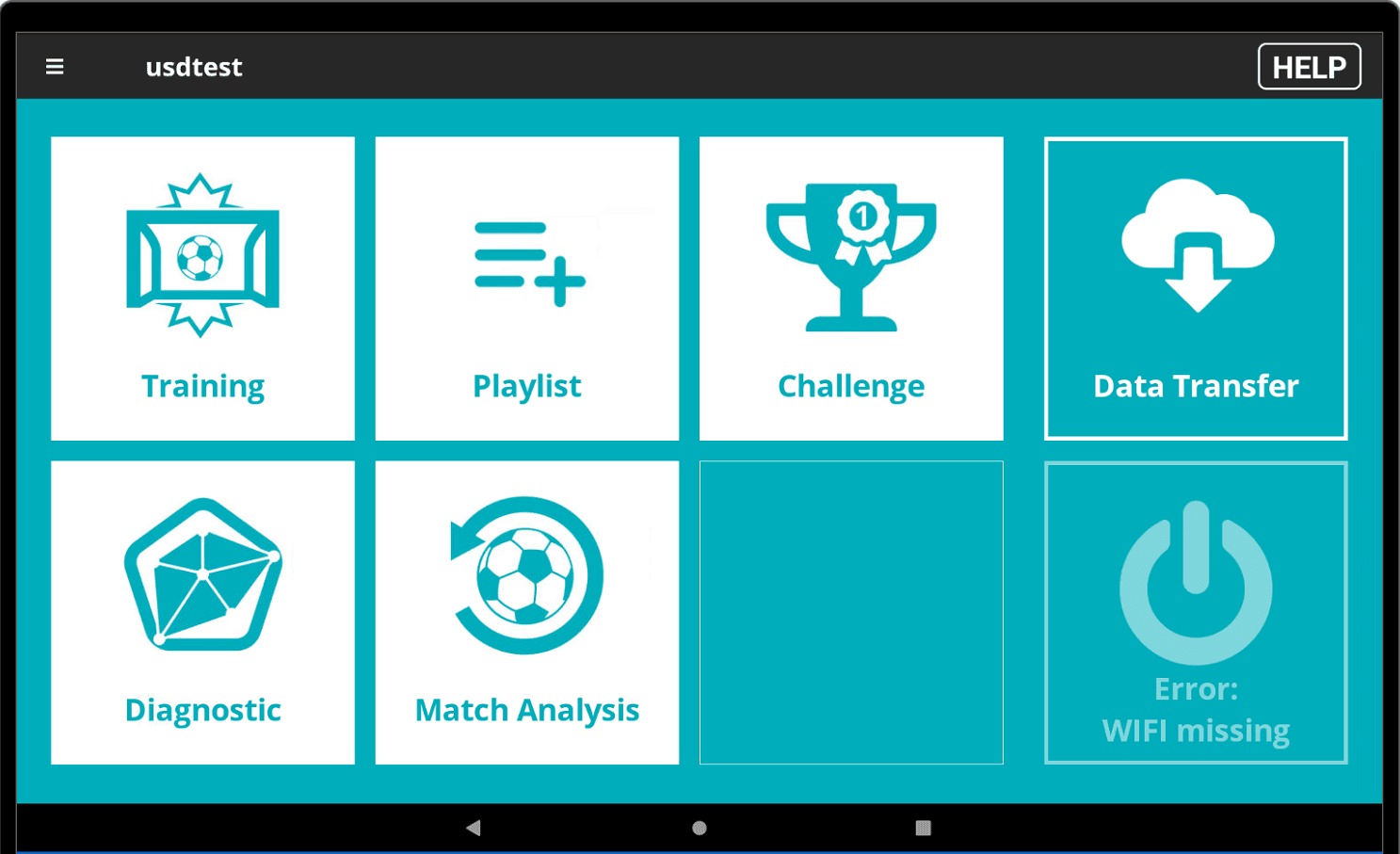
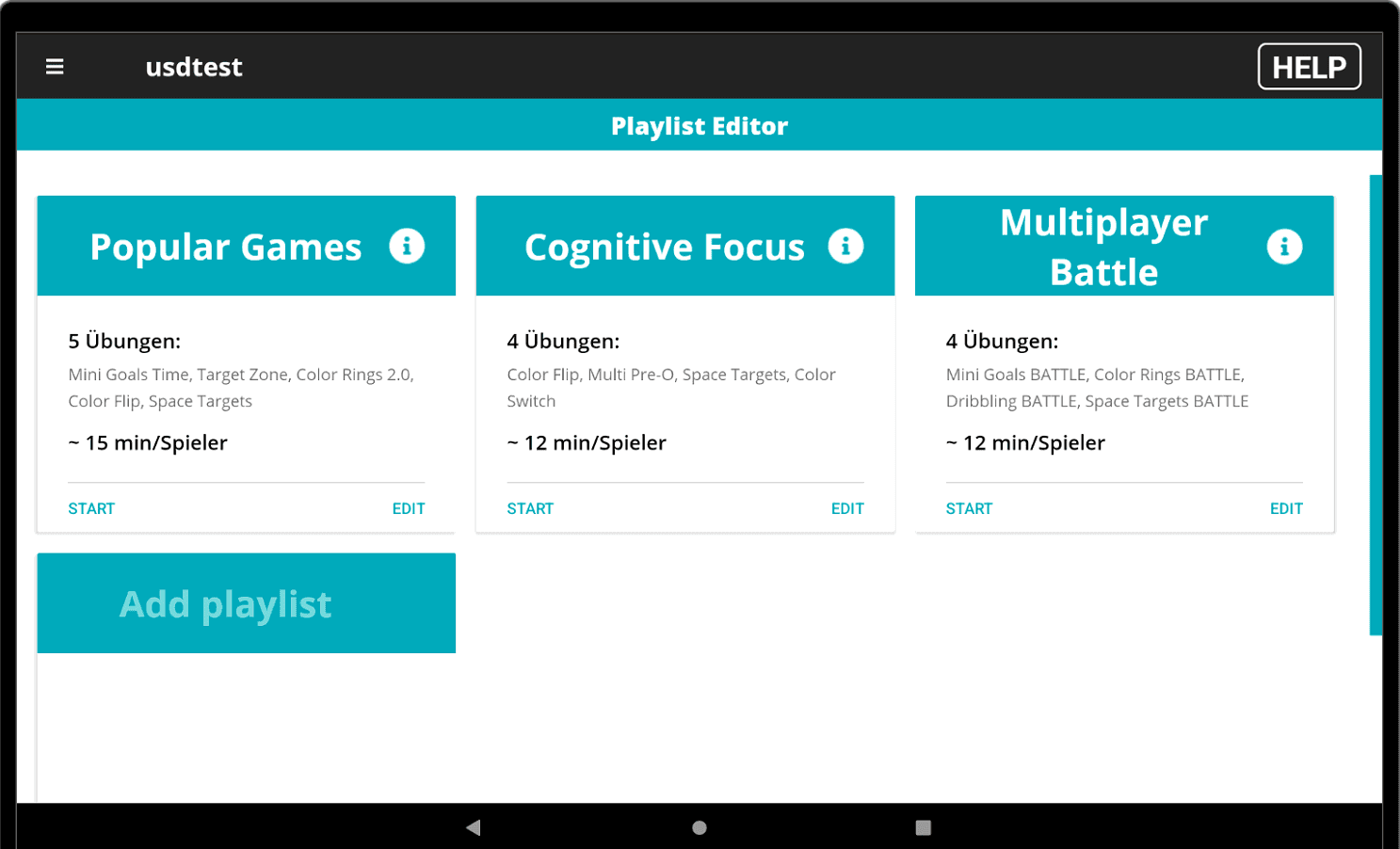
Playlist — one click, fully automated sessions

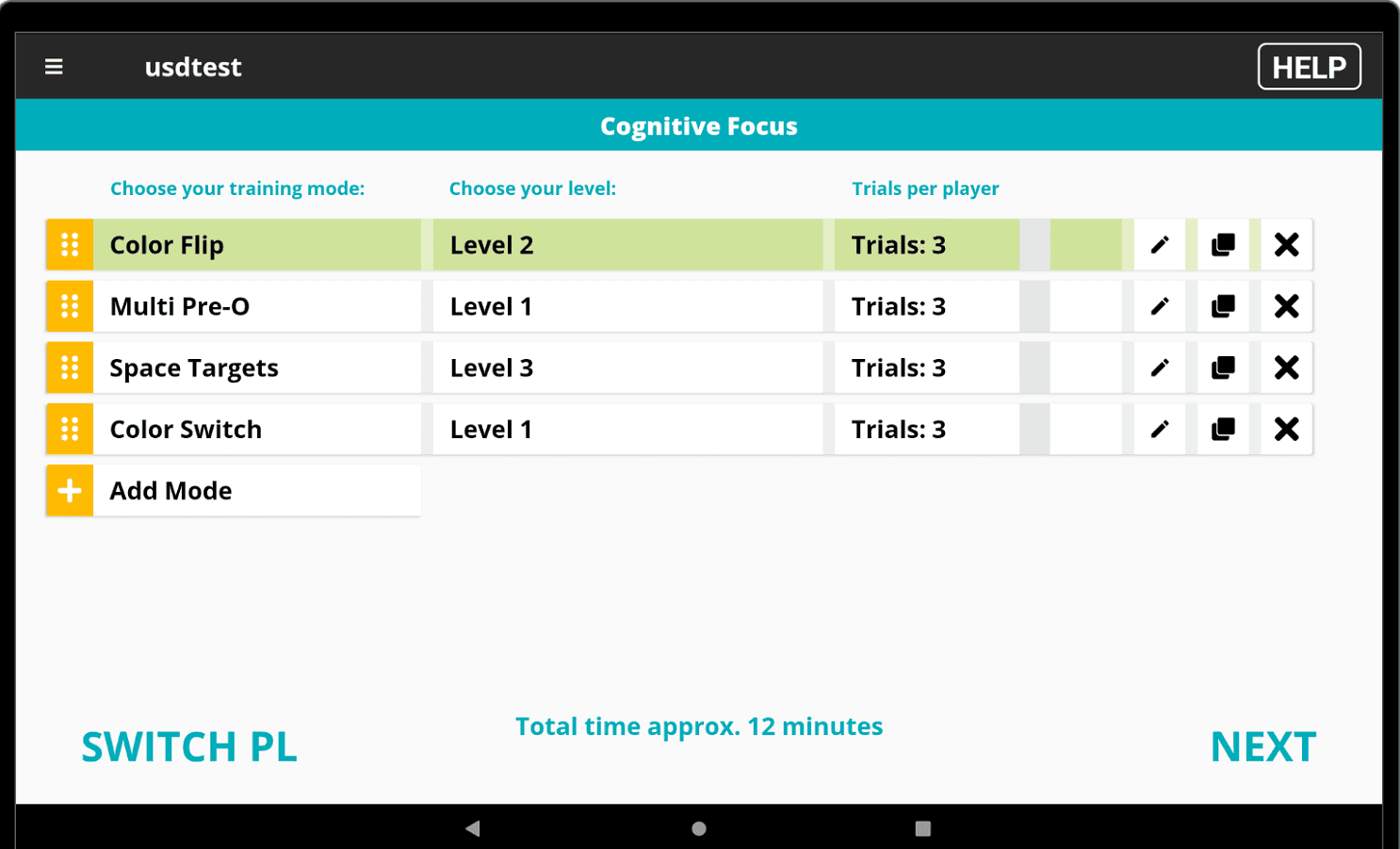
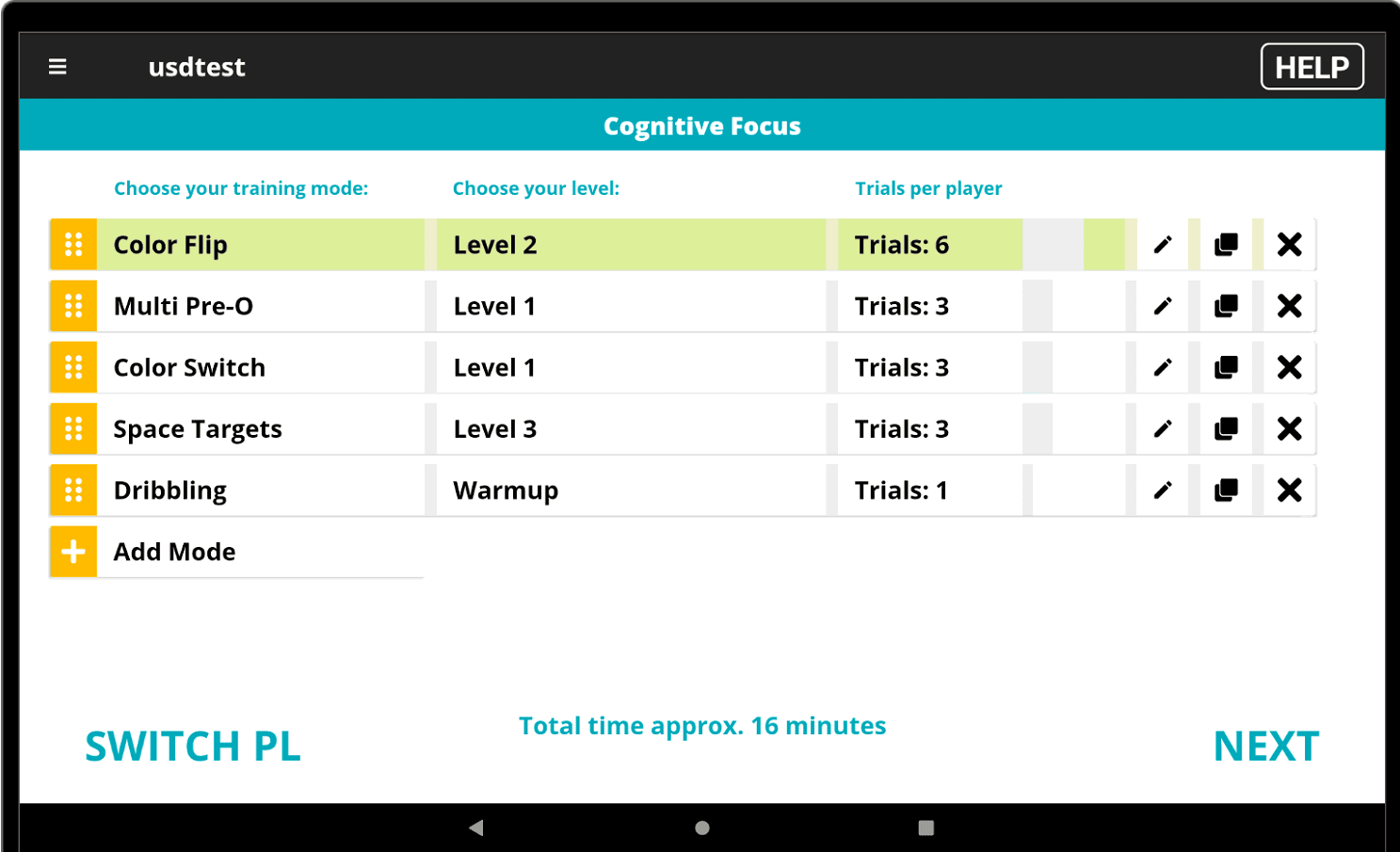
With the new Playlist feature, operators can pre-configure complete training, testing and entertainment programs right on the tablet and run them automatically from start to finish. Training modes, levels and repetitions are set up in advance — the system switches modes, rotates players and manages multiplayer modes on its own.

  • Adjust sessions at any time: add or remove players, change intervals without interruption.
  • Ideal for youth training, skill assessments, birthday parties and team events.
Playlist — one click, fully automated sessions – 1
Download the Playlist feature PDF
NewTabletSystem

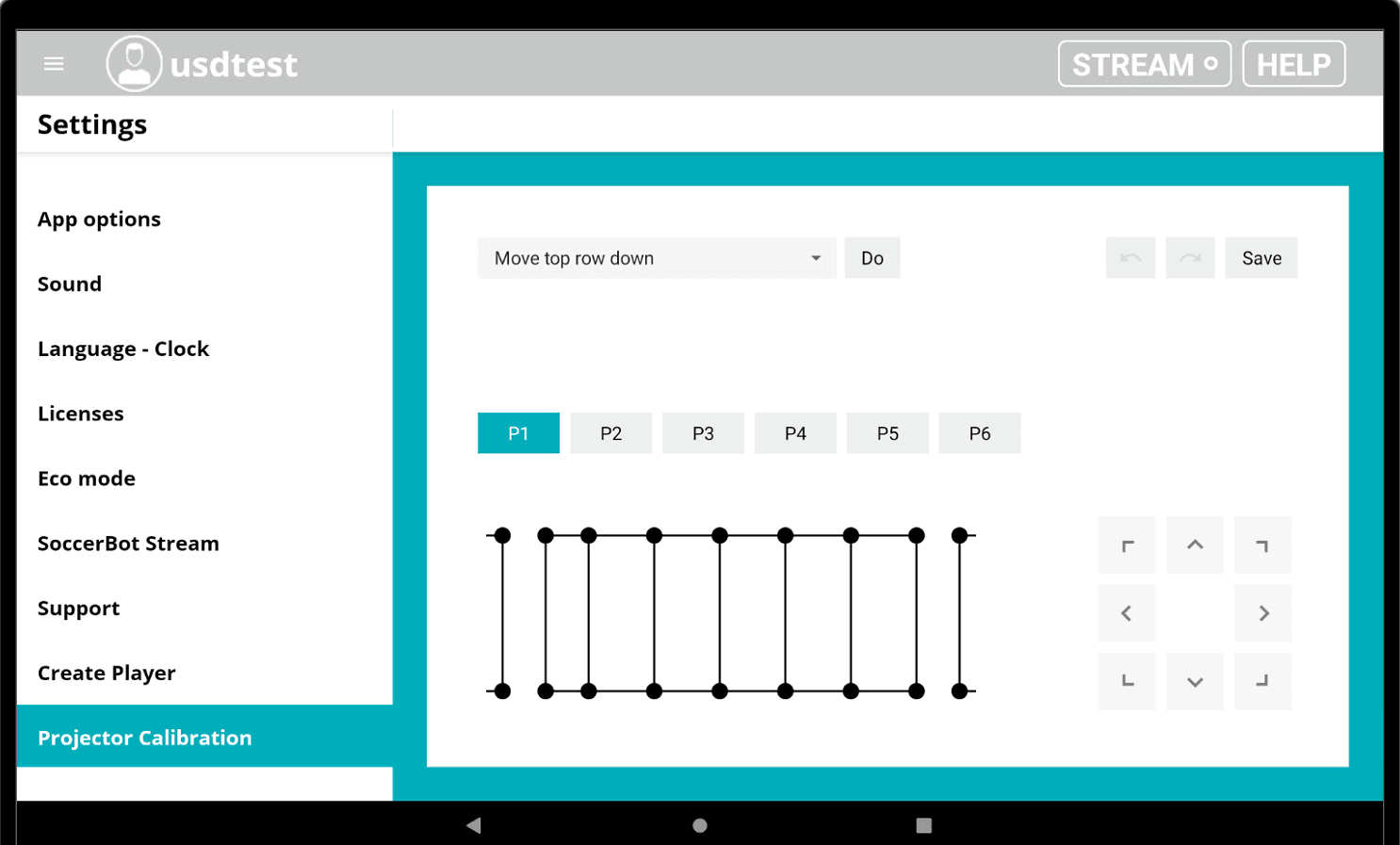
Projector calibration — fix it yourself

Shifted projector images can now be corrected right on site — for example after a ball has hit the technology capsule. With the new projector calibration, operators realign the images in just a few steps, no service visit required. Would you like an introduction to the feature? Just get in touch — we'll gladly walk you through it.

Projector calibration — fix it yourself
NewStreamingTablet

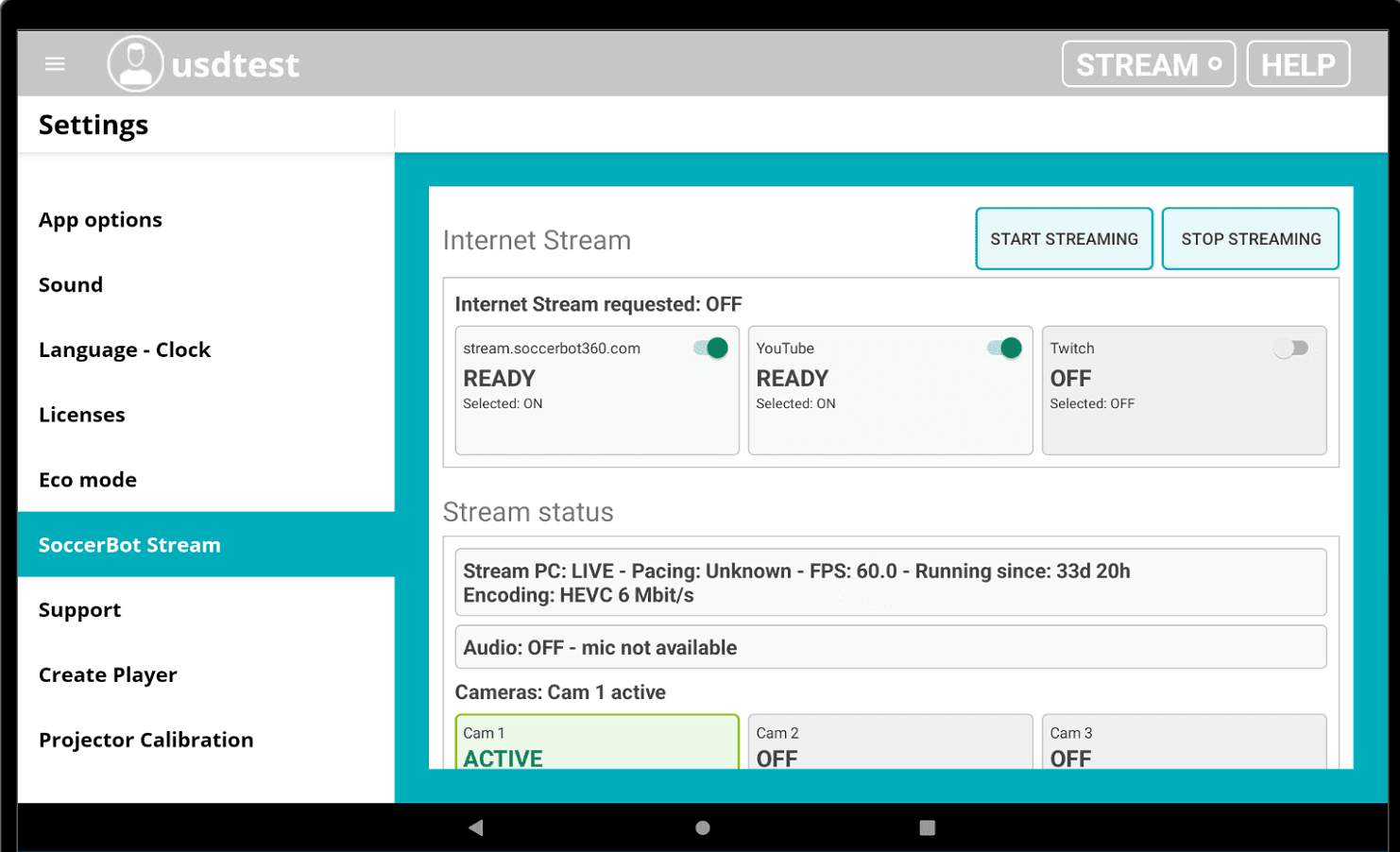
Live streaming at a glance

The stream status is now visible directly in the status bar — including a live indicator. A QR code takes viewers straight to the live stream, and the new stream settings show the streaming PC's status in real time.

Live streaming at a glance
NewTablet

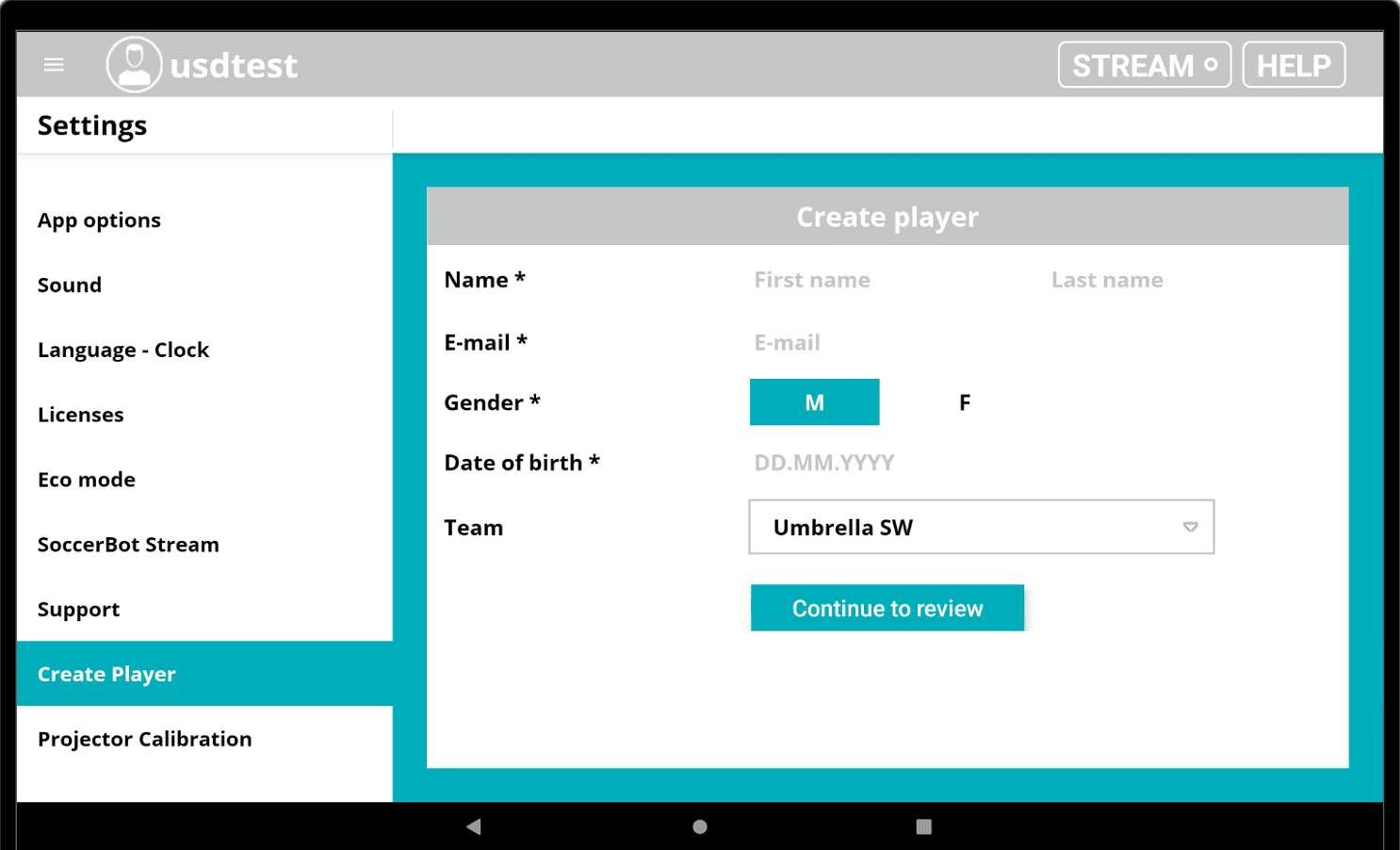
Create players right on the tablet

New players can now be created directly under Settings on the tablet — going through the backend is no longer strictly necessary.

Create players right on the tablet
ImprovedPlayer App

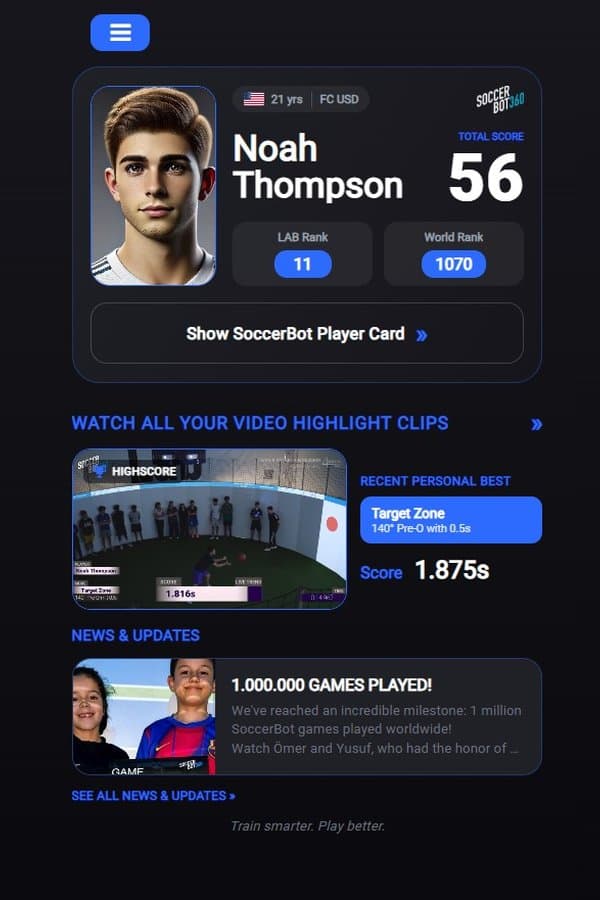
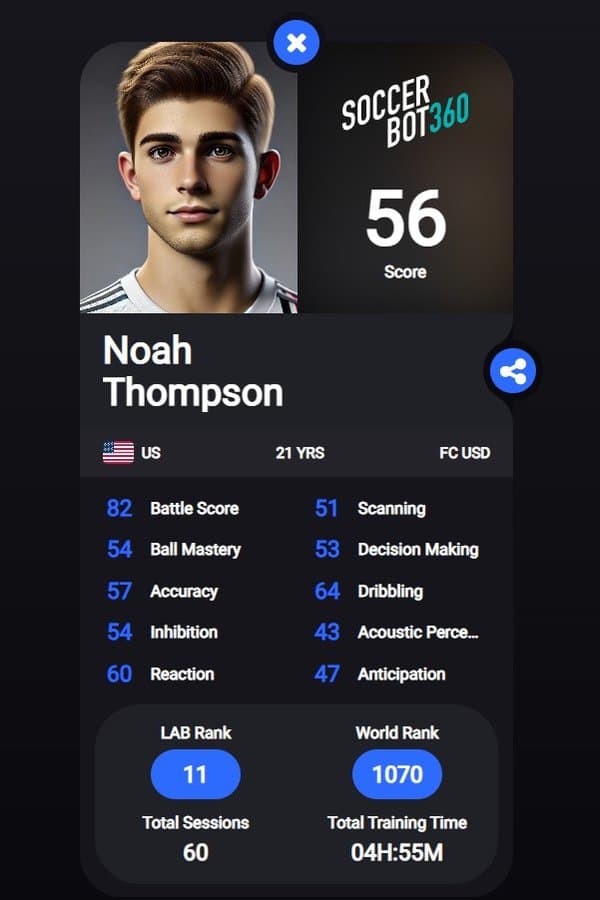
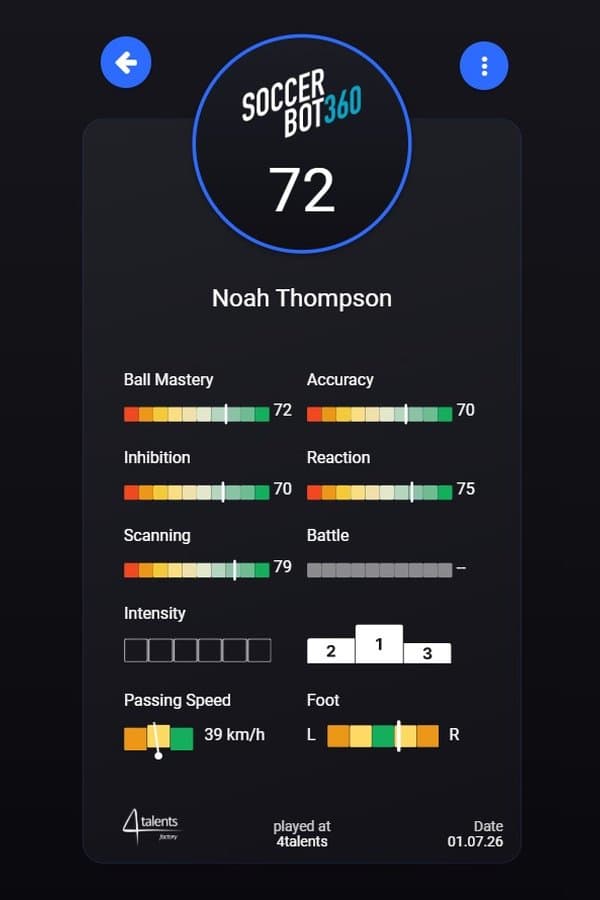
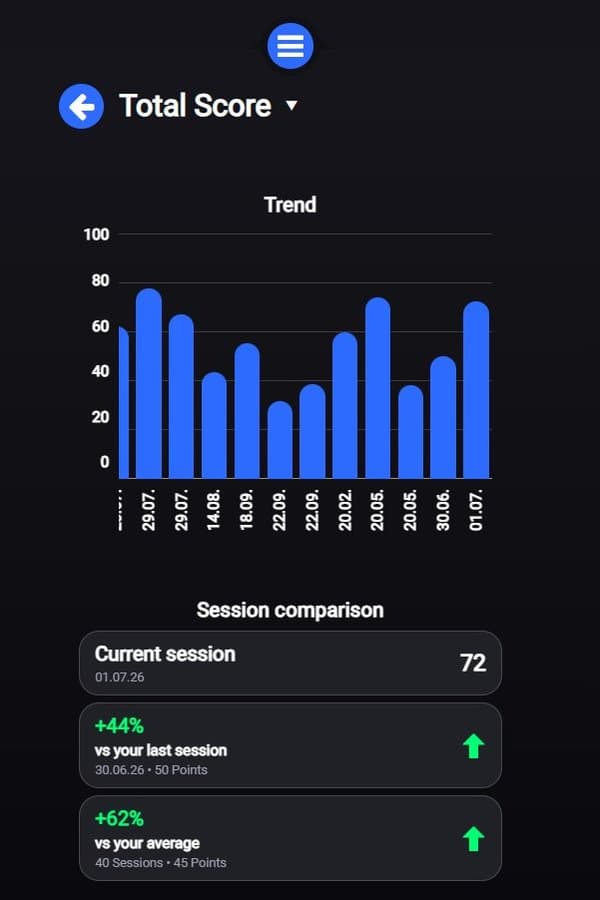
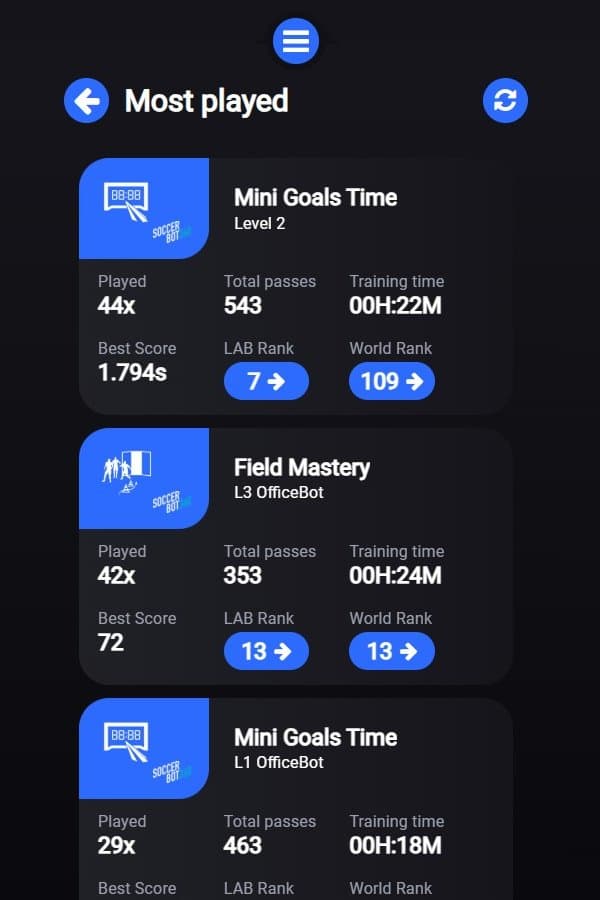
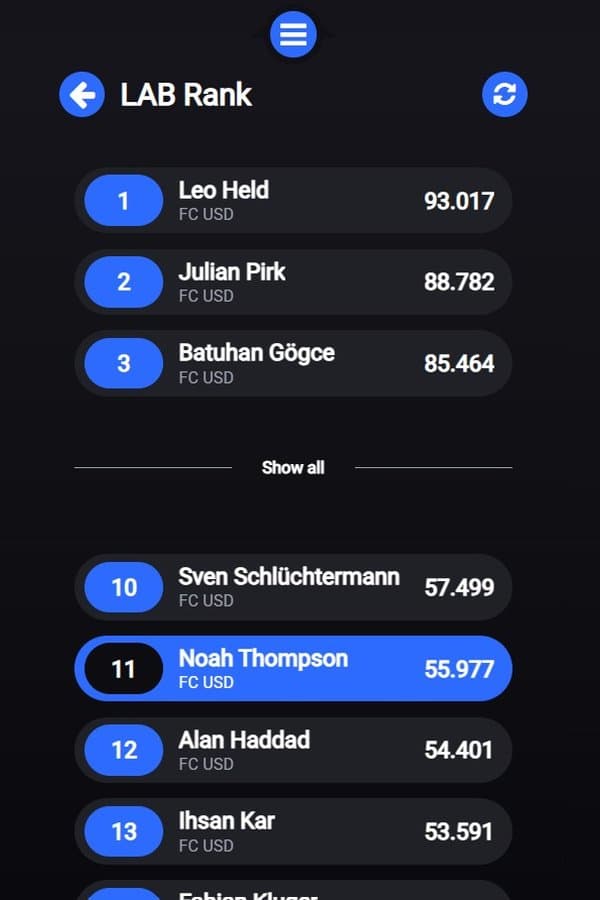
SoccerBot360 Player App — fresh new design

The SoccerBot360 Player App now comes in a new, modern design. On request, it can be tailored to your corporate identity (CI), including logo integration — just get in touch with your account manager.

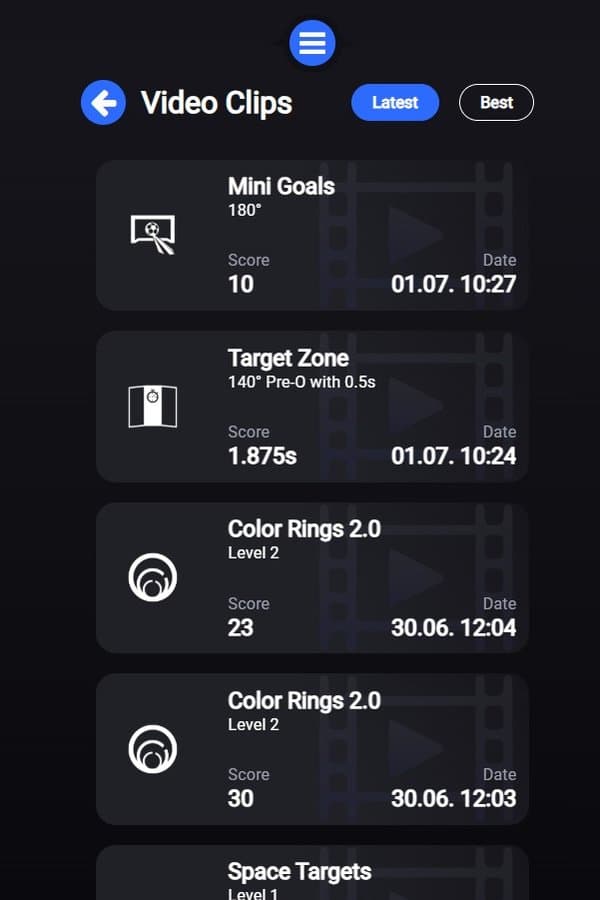
Also new is a smart start screen: at venues with a stream camera system, it shows the latest highlight clips and players' personal bests. Venues without live streaming see general SoccerBot360 highlights.

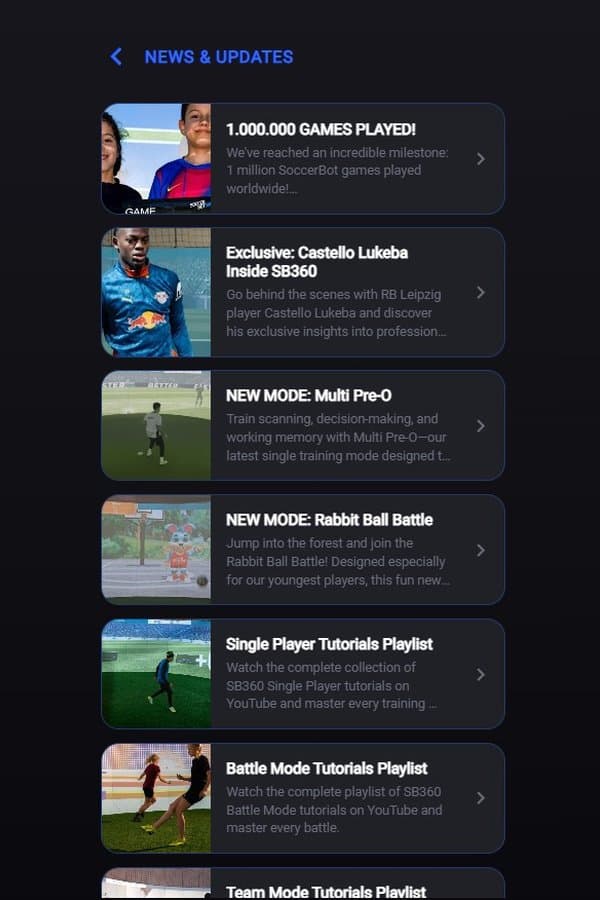
In addition, a new news & updates section keeps you up to date on everything SoccerBot360. On request, venue-specific news and content with external links can be integrated as well.

SoccerBot360 Player App — fresh new design – 1
Download the Player App update PDF

Questions about the update?

We'll gladly show you how to get the most out of the new features at your venue.